Understanding how official game stores work, how they present apps, manage updates, and provide safe access to authorized game content on Android devices.
A mobile game store is an authorized digital marketplace where developers publish games and users can browse, purchase, and download them to their devices. Game stores serve as the primary distribution channel for commercial mobile games, handling everything from payment processing to app delivery and update management.
Unlike informal download sites, official game stores vet their content, ensure compliance with content standards, and provide consumer protections such as refund policies and purchase verification.
Game stores combine marketplace functionality with platform services to create a comprehensive game acquisition experience.
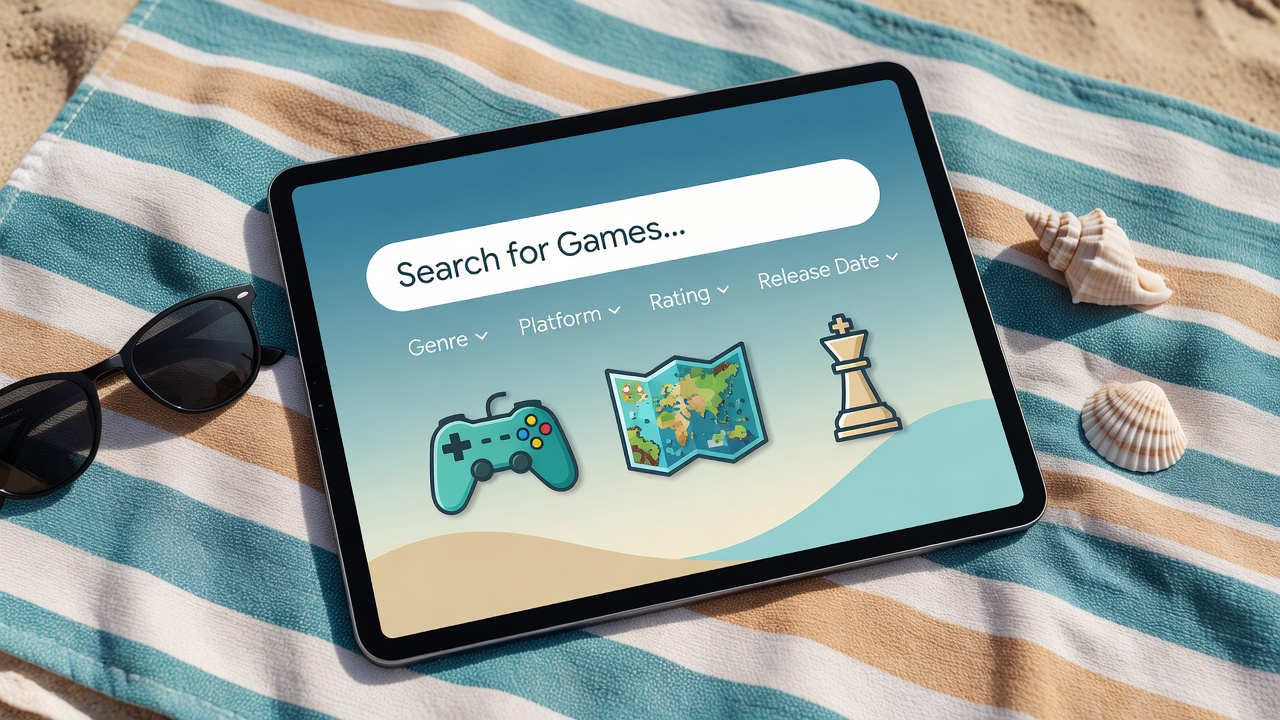
Advanced search tools with autocomplete, spell correction, and relevance ranking help users find specific games. Discovery features like "You might also like" and genre editors expose users to new titles.
Game stores integrate with multiple payment methods — credit cards, digital wallets, carrier billing, and gift cards — using encrypted transactions to protect financial information.
Download managers within game stores handle large game files efficiently, supporting background downloading, pause and resume, and download queues for multiple games simultaneously.
Stores manage game updates automatically, notifying users when new versions are available and downloading them in the background, optionally requiring user approval before installation.
Community review systems let verified purchasers rate and review games, helping other users make informed purchasing decisions based on real player experiences.
Wishlist functionality lets users save games they want to check back on later, while purchase history provides a permanent record of all acquired titles for re-download at any time.
Modern game stores go beyond simple search to offer sophisticated discovery experiences that help users find games they didn't know they were looking for.
Using authorized, official game stores is one of the most important steps users can take to protect their devices and personal data.
Official stores scan all submitted app packages for malware, spyware, and other harmful code before listing them. This significantly reduces the risk of installing malicious software compared to unverified sources.
Stores require developers to disclose what data their apps collect and how it is used, giving users clear information about privacy practices before they download anything.
All games in official stores must comply with applicable laws, age rating requirements, and platform policies. This ensures users are accessing legally distributed content.
| Section | What It Contains |
|---|---|
| Home / Discover | Featured games, editor's picks, new releases, trending titles |
| Games Category | All available games, browsable by genre, price, rating, and more |
| Top Charts | Ranked lists of top-downloaded, top-rated, and top-grossing games |
| Search | Text search with filters for genre, price range, rating, and device compatibility |
| My Library | All purchased and free-downloaded games linked to your account |
| Updates | List of installed games with available updates and changelog notes |
| Account | Profile settings, payment methods, purchase history, parental controls |