Informational resource about mobile game launchers & gaming platforms  |  islandsummerexperience.com

Mobile Gaming Platforms

Understanding how Android and mobile gaming platforms are structured, how they distribute games, and the ecosystem features that define the modern mobile gaming experience.

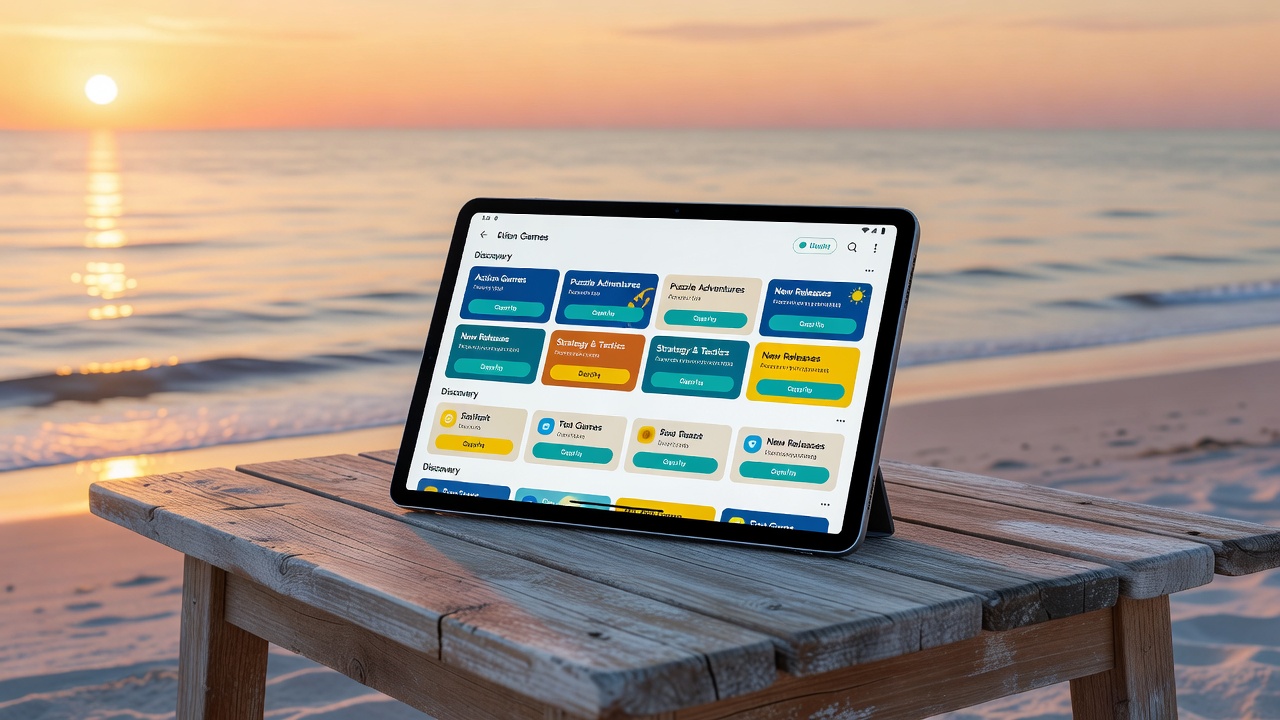
Android gaming platform interface
Platform Basics

What Defines a Mobile Gaming Platform?

A mobile gaming platform is a software ecosystem that enables users to discover, download, manage, and play video games on their mobile devices. These platforms serve as intermediaries between game developers and players, providing the infrastructure for game distribution, updates, and user account management.

Modern mobile gaming platforms on Android range from large-scale app stores to specialized gaming services that offer curated collections, subscription-based access, or cloud streaming capabilities.

  • Centralized game distribution and update delivery
  • User authentication and account management
  • Developer tools and publishing infrastructure
  • Content rating and parental control systems
Platform Types

Categories of Mobile Gaming Platforms

Mobile gaming platforms come in several distinct forms, each serving a different role in the gaming ecosystem.

🏬

App Store Platforms

The largest category of mobile gaming platforms, app stores like Google Play provide access to millions of games through a single, official marketplace. They handle payment processing, content verification, and update distribution at scale.

☁️

Cloud Gaming Services

Cloud gaming platforms stream game content from remote servers to the user's device, allowing high-quality gaming experiences without requiring powerful local hardware. The game runs on the server; only video and audio are transmitted to the device.

🎮

Subscription Gaming Platforms

These platforms offer access to a curated library of games for a recurring subscription fee. Users can play any title in the catalog as long as their subscription remains active, without purchasing individual games.

🖥️

Cross-Platform Ecosystems

Some platforms bridge the gap between mobile, PC, and console gaming, allowing users to maintain a single account, purchase games once, and access them across multiple device types with synced progress and achievements.

🏆

Competitive Gaming Platforms

Specialized platforms focused on competitive and esports-oriented mobile gaming, providing matchmaking, ranking systems, tournament organization, and community features for players interested in structured competition.

👶

Family & Parental Control Platforms

Platforms designed with parental controls at the forefront, allowing caregivers to curate age-appropriate game libraries, set time limits, manage in-app purchase permissions, and monitor children's gaming activity.

Mobile platform app icons collection
Platform Mechanics

How Mobile Gaming Platforms Distribute Content

Content distribution on mobile gaming platforms follows a structured process designed to ensure safety, compatibility, and legal compliance at every step.

  • Developer submission: Developers submit game builds through official portals, providing metadata, screenshots, and compliance documentation
  • Content review: Platform teams review submissions for policy compliance, malware, and appropriate content ratings
  • Publishing: Approved games are listed in the platform's catalog with descriptions, screenshots, and ratings
  • Download & installation: Users download games through the platform client, which handles file verification and installation
  • Update delivery: Platforms automatically push updates to installed games, ensuring users have the latest versions
Feature Overview

Core Platform Features Explained

FeatureDescriptionUser Benefit
Account SystemUser authentication, profile management, purchase historyGame access across devices, purchase records
Library ManagementTracking owned/downloaded games, re-download capabilityNever lose access to purchased games
Automatic UpdatesBackground download and installation of game updatesAlways play the latest, most secure version
Content RatingsAge classification system for all games in catalogInformed decisions about game appropriateness
Parental ControlsPurchase locks, content filtering, time managementSafe gaming environment for families
Payment SecurityEncrypted transactions, multiple payment method supportSecure purchasing experience
Navigation

Platform Dashboard Navigation

Understanding how to navigate a mobile gaming platform's dashboard effectively helps users find and access games more efficiently.

🏠

Home Screen

The platform home screen typically features curated recommendations, new releases, trending titles, and personalized suggestions based on your gaming history.

📚

Library Section

Your personal library section lists all owned or downloaded games, sorted by recent activity, title, or genre, with options to filter by installation status.

🔍

Search & Browse

Search tools let users find specific games by title, developer, or keywords, while browse features allow exploration by genre, popularity, price, or editorial collections.

⚙️

Settings & Profile

Settings menus provide access to account details, notification preferences, download settings, parental controls, and payment method management.

🔔

Updates & Notifications

Dedicated update sections show pending game updates with changelog information, while notification centers aggregate platform alerts and game news.

👥

Social Features

Friend lists, activity feeds, achievement sharing, and multiplayer matchmaking are social components integrated into many modern mobile gaming platforms.